
Local Storage vs Session Storage vs Cookies: How Adenty Builds Reliable Visitor Tracking

Local storage, session storage, and cookies sit at the core of browser storage tracking. Each of them affects how to store visitor data, how long it is retained, and how reliably it supports analytics and personalization. This article explains session storage vs local storage, how local storage vs cookies compares in practice, and how Adenty combines them with server‑side cookies to power accurate visitor tracking in a privacy‑first tracking setup.
Local and session storage as client‑side session data storage
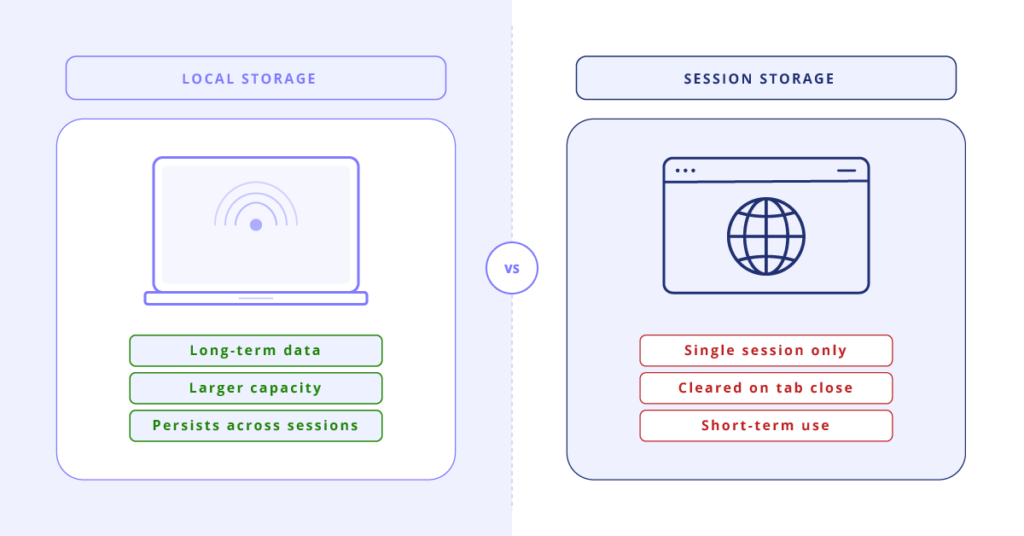
Local storage is a client‑side storage mechanism that keeps data on the device across multiple browser sessions. It offers a relatively large capacity and does not automatically send data to the server, which makes it useful for long‑term visitor data storage. At the same time, it must be protected from XSS attacks with proper encryption and security practices.
Session storage works differently. It stores data only for a single tab or window and clears it once the tab or browser is closed. In the context of session storage vs local storage, both are helpful in several scenarios:
- Caching visitor data retrieved from the server to reduce repeated requests
- Storing assets locally to support offline access
- Saving user preferences such as language, layout, or theme
Local and session storage improve performance and help maintain a consistent user experience. However, users can clear local storage at any time, and incognito mode often hides it completely. This creates gaps in browser storage tracking and weakens analytics.
Browser cookies as short‑term browser storage
Cookies are small text files that store identifiers, session details, and personalization data. They are more limited in size than local storage but can be read by both client and server, which makes them useful for authentication and cross‑site visitor tracking.
There are several types of cookies:
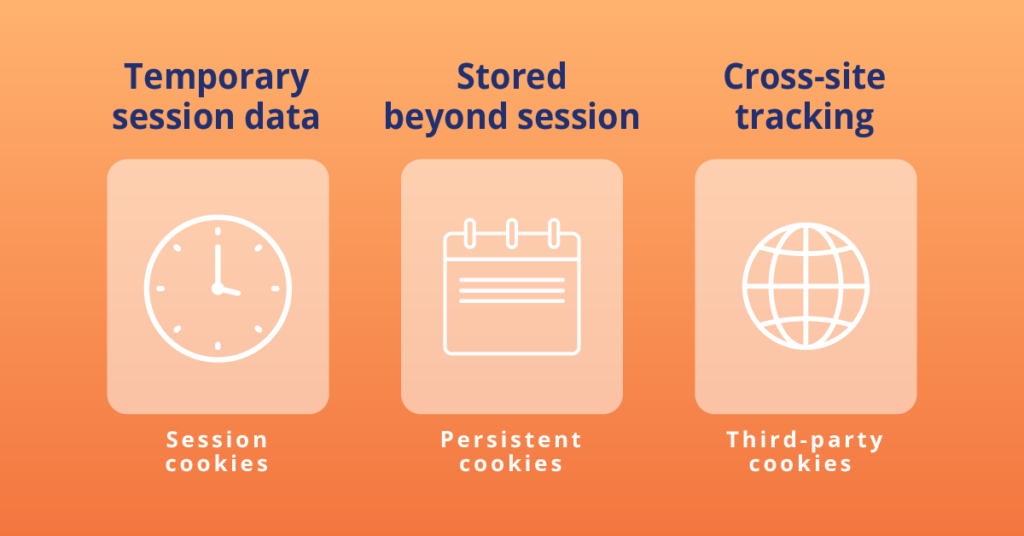
- Session cookies that disappear when the browser closes
- Persistent cookies that remain on the device beyond a single session
- Third‑party cookies that track behavior across multiple sites
Cookies are commonly used to:
- Track user behavior and analyze visitor journeys and conversions
- Remember preferences and deliver personalized content
- Keep users logged in during a session
Cookies can be configured with security attributes such as HttpOnly and Secure, although they still require careful handling to avoid security risks.
Browser cookies as short‑term browser storage
The table below summarizes how local/session storage compares to cookies in typical visitor data storage scenarios.
| Feature | Local / Session Storage | Cookies |
| Data Storage Limit | 5–10 MB | ~4 KB |
| Expiration | No expiration by default | Configurable or session‑based |
| Data Accessibility | Only within the same browser | Accessible by client and server |
| Data Transfer | Not sent with server requests | Sent with every request |
| Security | Vulnerable to JavaScript access | Can be HttpOnly and Secure |
| Privacy Implications | Client‑side only | Often used for cross‑site tracking |
| Use Cases | Offline storage, settings, caching | Authentication, tracking, personalization |
Neither local storage nor cookies alone provide the flexibility and resilience needed for modern visitor recognition tools. This is why Adenty uses a combined model.
Adenty’s approach: local storage supported by server‑side cookies
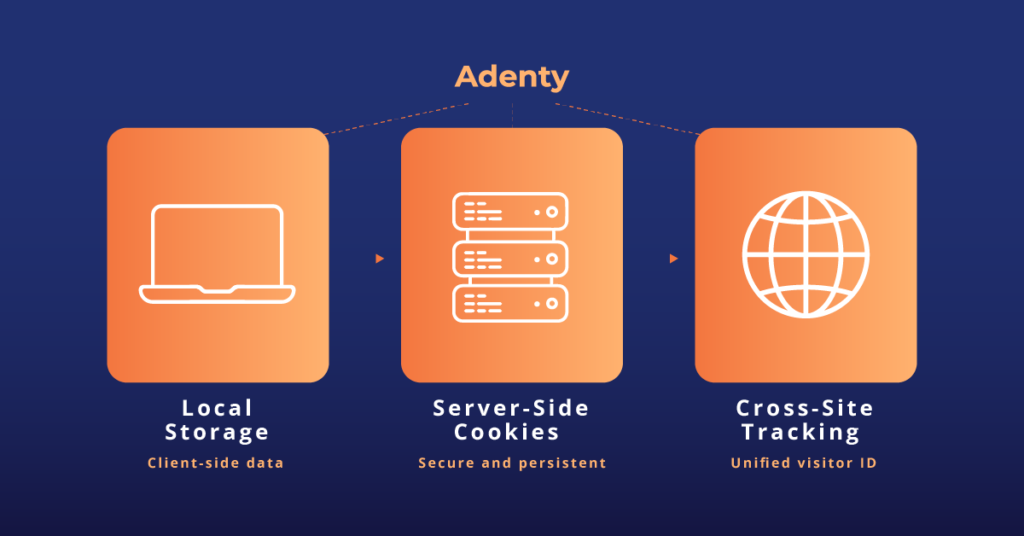
The goal of Adenty visitor tracking is to recognize returning visitors across multiple sites, even when they use VPNs, secure browsers, or private modes. To achieve this, Adenty blends local and session storage with server‑side cookies and a cookieless tracking solution architecture.
Server‑side cookies allow Adenty to operate independently of browser storage and keep custom browser‑level data safe when local storage is blocked or cleared. This supports stable IDs and cross‑site visitor tracking over time. The same security attributes as browser cookies (HttpOnly, Secure, SameSite, Partitioned) are applied, which strengthens protection and availability.
Key advantages of server‑side cookies in this model:
- Higher data security and more controlled visitor data storage
- Availability when browser storage is disabled or cleared
- Scalability across multiple domains and platforms
- Centralized data that can power remarketing and unified profiles
This approach also fits a privacy‑first tracking strategy. It supports VPN‑resistant tracking and incognito‑safe tracking, which helps maintain continuity even when users rely on anonymization tools. As a result, Adenty can act as a hybrid cookieless tracking solution that still delivers reliable identity and attribution. tomer profile. Moreover, Adenty enables cross-site visitor tracking even when 3d-party cookies are not available and prevents the loss of visitor data even if local storage is blocked or cleared. Collectively, these features enable highly efficient data-driven strategies, enhancing the performance and ROI of marketing efforts.
Summing up
There is no single perfect answer to how to store visitor data. Local storage and session storage are ideal for performance, offline access, and user preferences. Cookies are better suited for authentication and cross‑site identity. By combining client‑side storage with server‑side cookies, Adenty builds a resilient foundation for visitor recognition tools and cross‑site visitor tracking that remains effective in a changing privacy landscape.
If you want to see this model in action, book a quick interactive demo with the Adenty team and try it for free.
